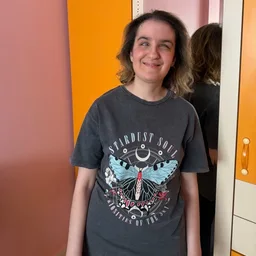
My introduction, featuring Gianna Zaccagni
Loading reactions…
Loading reactions…
Loading reactions…
Sorry, I was just playing back my recording and realized that my explanation on locating the playback controls was not clear. Once a recording starts playing, the controls appear at the bottom of the screen. They only show up after playback begins. While the recording is playing, touch the Feed tab at the bottom left and swipe left until you reach the controls. These controls include a stop button, a pause button, a slider to rewind or fast forward, and a button that lets you increase or decrease the playback speed. Hope that helps
Loading reactions…
Oh, OK thank you also it's nice to meet you!
Loading reactions…
Loading reactions…
Loading reactions…
Welcome to Ramblio, Josh! Hopefully you’ll enjoy this app. ☺️✨🌸
Loading reactions…
Loading reactions…